Skateboarding
The first ollie
 KayBi
KayBi is your private knowledge base for PDFs, scans, screenshots, recordings, and chats. Search for what you half-remember, and KayBi opens the exact page or the moment it was said.
Free forever. No card required. See what’s included


A thought worth keeping
Maybe the little things are the whole point.

“Bend your knees. Pop, slide, then bring your knees up. One small movement at a time.”
Week 6 statistics slides
Where the two curves cross marks the point where the distribution shifts.
“Watch where the two curves cross. That is the threshold the exam usually tests.”
Nobody remembers a filename. You remember the diagram on a slide, the line someone said in a recording, or the screenshot you saved two months ago.
We made KayBi so you can bring things as they are. It reads what is inside, helps keep them in place, and takes you straight back to the page or moment when you need it. And when you want to think through what connects, Ask KayBi is right beside your originals.
Less to keep in your head. More room to think.
Why we’re making KayBiDrop in slides, scanned PDFs, screenshots, voice notes, or video. KayBi reads what is inside, gives each file a useful name and suggested tags, and places it in a Space when there is a clear match. Anything it is unsure about waits for your choice.
Your files, just as you dropped them in.
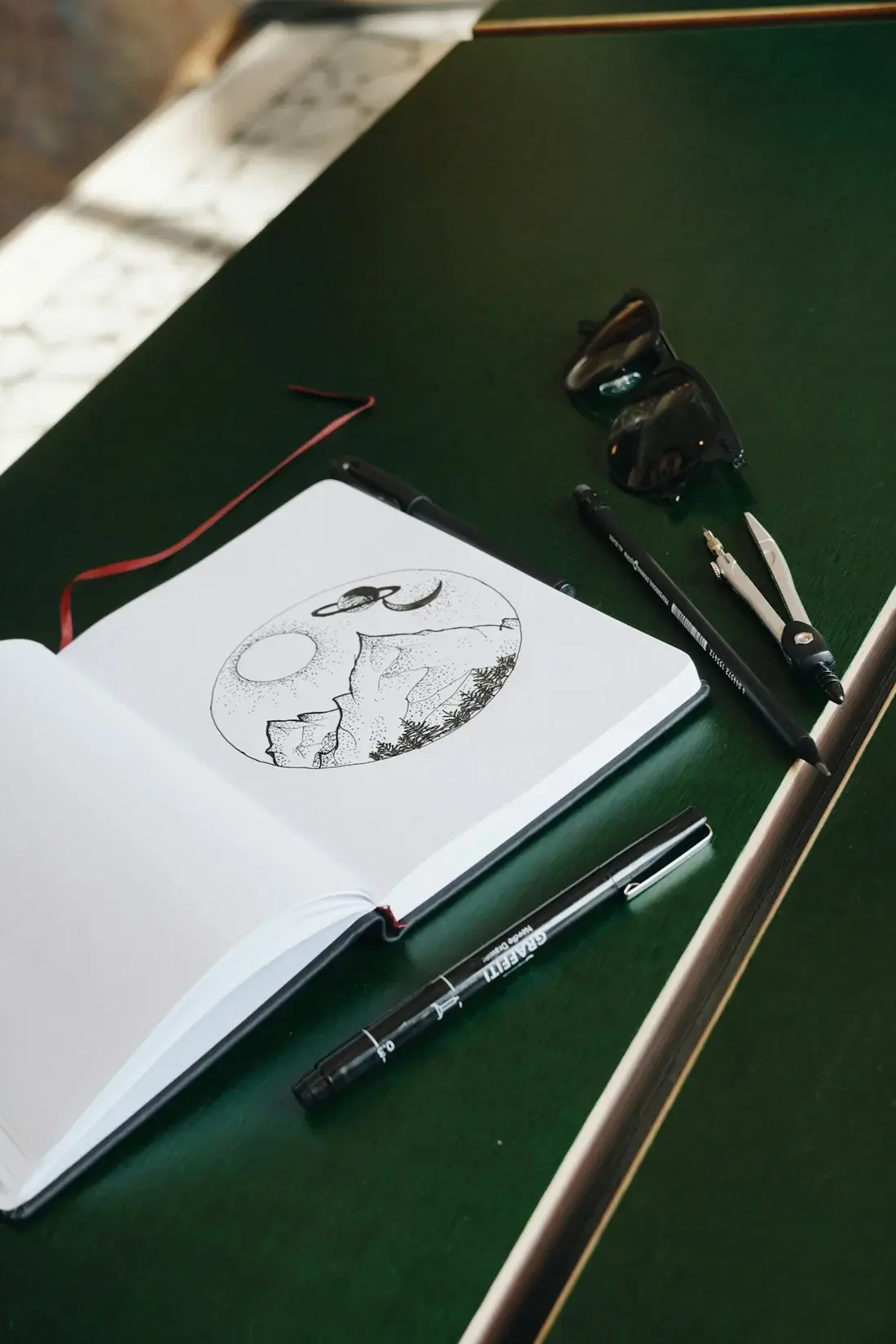
Mountains inside a circle. Leave room for the sky.
You can change anything.
Your names. Your tags. Your Spaces. Move or rename anything anytime.Search by meaning on your own, or ask KayBi across your files and past chats. Every answer shows numbered sources that open beside it at the page or moment, so you can check the original and decide what comes next.
The moments behind the answer
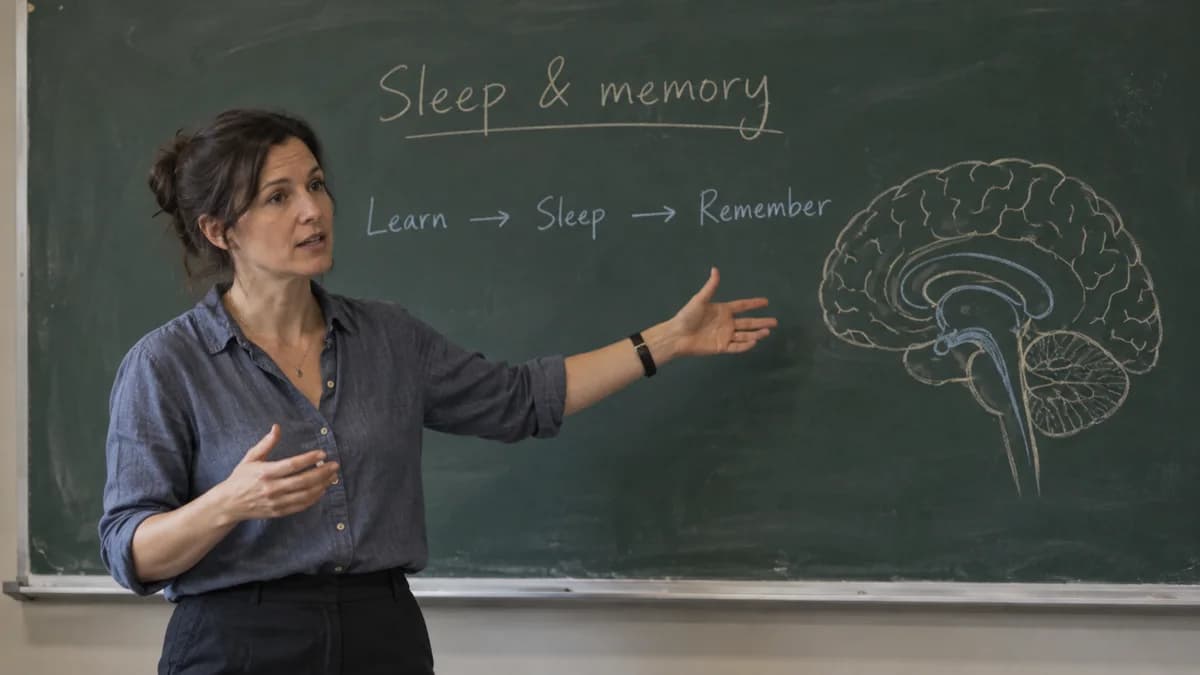
After learning, sleep helps consolidate newly formed memories.
Follow a reference. Come back to the moment.
Thinking with KayBiYour files, in the conversationThe lecture shows how sleep helps new memories stick. Your handwritten notes and the diagram in your PDF connect that process to long-term recall. The recording brings back the explanation in the lecturer’s own words.
4 sources. Tap any number to open the original.Try starting with the phrase in your notes: memories that stick.
How would you explain that first part to a friend?
A course. A research project. Or the everyday things you keep meaning to come back to.
Week 6 neuroscience lecture
How memories become lasting
Fig. 2 · Memory consolidation
Memory & learning slides
“After learning, sleep helps consolidate newly formed memories.”
Lecture recording
The slides are in one thread, the lecture recording is on your phone, and you remember a diagram, not the week. Search in your own words, and KayBi opens the matching page or the moment it was explained.
“Where did the lecturer explain how sleep helps memories stick?”
The lecture recording at 18:42 explains consolidation in the lecturer’s own words. Page 6 of the PDF has the diagram, and your handwritten notes pull the three steps together.
An illustrative answer from these files.Lectures, client notes, scanned documents, and rough drafts deserve a quiet home. No ads, no feed, no followers. Your files stay private to your account, and you choose if you ever share a link.
How we look after your dataYour files are kept separate from other accounts. KayBi doesn’t sell your data or train AI models on your files, and our AI providers don’t use them to train theirs, under their terms.
Use Incognito to ask across what you’ve already kept without saving the chat to your history or memory. Temporary uploads are deleted automatically.
Take your files out when you want, or remove what you no longer need. Nothing is held hostage.
AI providers process the content needed to run KayBi. Read the privacy details.
For the things you keep meaning to come back to. An outfit you screenshotted. A video you downloaded to try later. The notes for something you’re learning. Add your files, and KayBi organizes them. Then ask in your own words to find related moments across them and your chats. Keep the conversation going: explore an idea, make a plan, or work through a question together. You don’t need to remember exactly what you called something.
Free forever. No card required.
$0
Free foreverKeep, find and arrange your things by hand.
If you add more than a month covers, the extra pages are kept, and KayBi reads them the next month. Search, opening, export and delete keep working even when a monthly limit is used up.
Drop in a lecture, a scan, or a recording, and search it in your own words.
Start freeFree forever. No card required. See what’s included
What the free plan includes